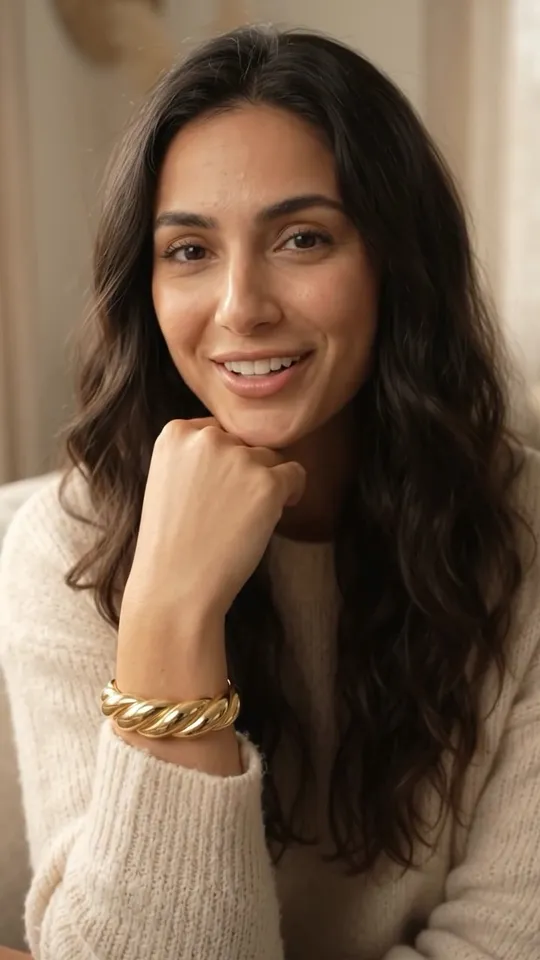
Sitting on the sofa, she pushes her knit sleeve back to reveal the gold cuff snug at her wrist, turns her wrist so light rolls across the twist, then rests her chin on her hand and smiles. Soft room sound throughout. Voice: female, warm, as she smiles. Says: 'It's even better on.' No on-screen text.
TL;DR — updated October 16 2026
An AI video prompt works when it pins the product, gives the camera one motion, sets the light and decides the audio. Below are 12 prompts shown next to the exact video they made in v4v Studio, then the full library of 110 prompts by product category and by model.
The formula
[product + exact material] + [one motion] + [light] + [scene] + [audio or voice line]Featured prompt, broken down: a single amber serum drop + falls onto the glass dropper tip + catching window light + no scene + a calm voice: "One drop is the routine." More in how to write an AI video prompt.
12 prompts and the videos they made
Each video below was generated in v4v Studio. "Recreate in Studio" opens that exact project, with the product, avatar and settings loaded, so you can swap in your own product.
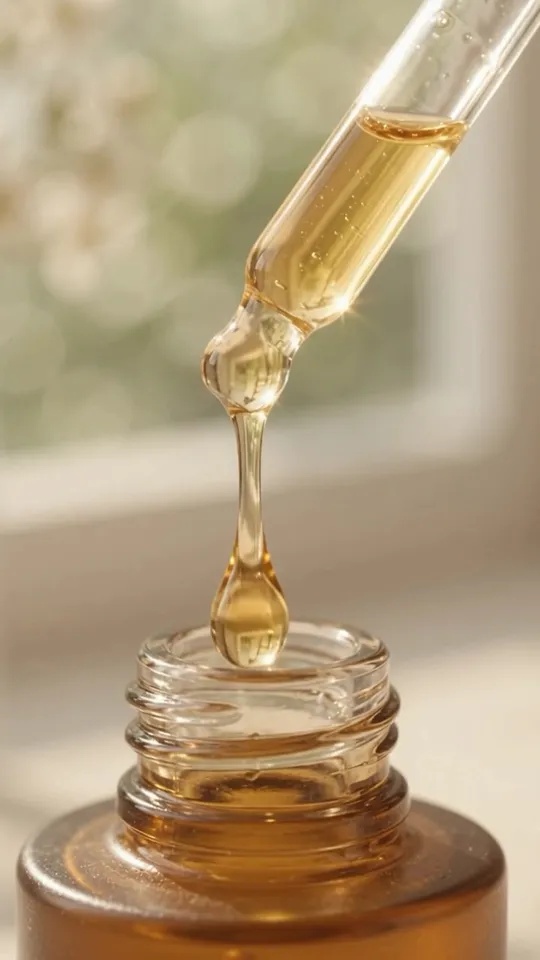
A single amber serum drop falls onto the glass dropper tip, catching window light. Voice: female, calm, mid-clip. Says: 'One drop is the routine.' Soft ambient sound throughout. No on-screen text.
At a candlelit dinner party, a friend leans in and asks: 'Wait — where is this from?' She touches the earring and smiles. Voice: female, casual, as she smiles. Says: 'Everyone asks.' Soft dinner-party sound throughout. No on-screen text.
A bare fingertip, no spoon, lifts a soft peak from the thick white cream in a single jar, satin sheen, the jar soft-focus behind. Ambient only. No on-screen text.
Morning routine: earrings in at the mirror, coffee in hand, out the door. Voice: female, effortless, mid-clip. Says: 'For every day that deserves better.' Soft morning sound throughout. No on-screen text.
Morning shelfie comes alive: products in a row, light travels across each. Voice: female, effortless, mid-clip. Says: 'The lineup that works.' Soft morning sound throughout. No on-screen text.
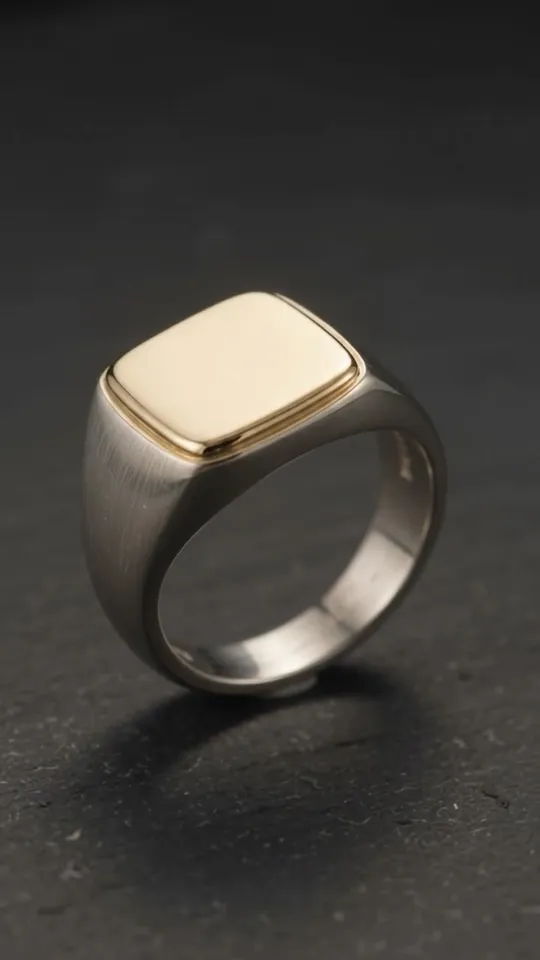
Slow pan across the polished gold face and the brushed silver band. Voice: male, quiet, mid-clip. Says: 'Two metals. One piece.' Soft ambient tone throughout. No on-screen text.
The powder brush swirls in the jar, a few fine grains lifting softly, no smoke. Voice: female, warm, mid-clip. Says: 'Soft focus, real skin.' Soft ambient sound throughout. No on-screen text.
Hands pass the small box across a candlelit table; a quiet gasp on opening. Voice: none — ambient.
Three swatches drag side by side — balm, gel, cream — each catching light differently. Ambient only. No on-screen text.
Extreme close-up traveling across the pavé setting, each stone flaring in turn. Ambient only.
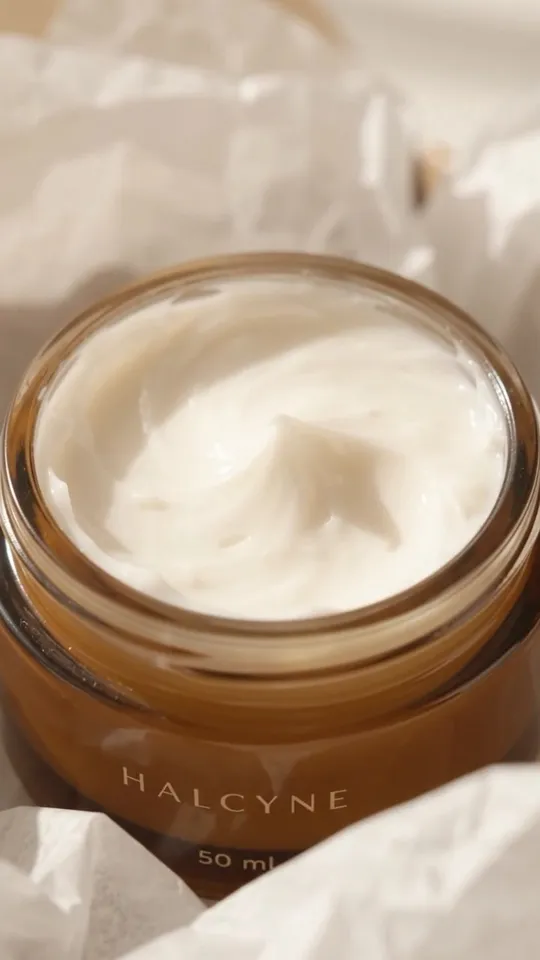
Tissue paper parts; the glass jar lifts into the light. Voice: female, quiet, mid-clip. Says: 'Skincare that feels like a gift.' Soft paper sound throughout. No on-screen text.
Prompts by video format
Every prompt above suggests a format. In v4v Studio the format sets the style of the whole video:
- UGC: a person holding and talking about the product, filmed like a customer would.
- Unboxing: packaging, reveal and first reaction; best for gifts and premium items.
- Hyper Motion: fast, physical product-hero motion that stops the scroll.
- TV Spot: cinematic camera and light, no creator; for premium products.
- Product Review: an honest opinion with a verdict, for considered purchases.
- Tutorial: the product working, step by step.
- TikTok Hook Ad: a pattern-interrupt opening built for the first two seconds.
Image to video vs text to video prompts
The same idea needs a different prompt depending on what the model starts from. Image to video starts from your product photo: describe what should move, not what's already in the frame. Text to video starts from nothing, so the prompt has to describe the product too. v4v Studio works image to video from your product photos, which is why the prompts on this page are short.
Image to video prompt
A single serum drop falls onto the glass dropper tip, catching window light. Slow push-in. Voice: female, calm, mid-clip. Says: 'One drop is the routine.' No on-screen text.The photo already shows the bottle, so the prompt spends its words on motion, light and sound. Guide: image to video, explained.
Text to video prompt
A small amber glass serum bottle with a black rubber dropper stands on a pale stone counter by a window. A single serum drop falls onto the glass dropper tip, catching soft morning light. Slow push-in. Voice: female, calm, mid-clip. Says: 'One drop is the routine.' No on-screen text.Same shot, but the model has to invent the product, so the prompt names the material, colour, shape and setting. Results will look less like your real product. Guide: text to video, explained.
Want a specific model? Run these in the v4v Lab, which gives direct access to each model.
Run any of these on your product
- Pick a promptChoose one above, or combine two. Keep the product words exact.
- Add your productPaste your product page URL in v4v Studio. It imports your photos and copy.
- Generate and publishPreview the clip, then use it on your product page, in ads or in Reels.
Start in Studio
From $7 · no subscription · credits never expire. On Shopify? Install the v4v app: three videos free on install.
FAQs
What is an AI video prompt?
It's the text brief an AI video generator turns into a clip: what's on screen, how the camera moves, the light, the setting and the sound. For product videos the most important part is the product itself: name its exact material, colour and shape so the model keeps it accurate.
How do you write a good AI video prompt?
Use one idea per clip: the product with its exact material, one camera motion, the light source, the scene and the audio or voice line. Say when the voice should speak, and say 'no on-screen text' if you don't want any. Our guide covers it step by step.
Do these prompts work in Sora, Kling, Veo or Runway?
Yes. They're plain-language prompts, so they work as a starting point in any text- or image-to-video model, though results vary by model. The model pages below are tuned for Kling, Veo, Seedance, Wan and Gemini Omni. In v4v you can run them on a specific model in the Lab.
What's the difference between an image-to-video and a text-to-video prompt?
A text-to-video prompt has to describe everything, including the product's material, colour and shape. An image-to-video prompt starts from your photo, so it only needs the motion, the camera, the light and the sound. Restating what's already in the photo can make the model change it. v4v Studio starts from your product photos, so every prompt on this page is written image-to-video first.
How long should an AI product video be?
For ads and product pages, 6 to 10 seconds is enough for one idea: a hook, the proof and a payoff shot. v4v Studio makes videos up to 10 seconds.
Are these prompts free to use?
Yes. Copy and adapt any of them. Generating a video in v4v Studio uses credits, from $7 with no subscription, and credits never expire.
Prompts checked October 16, 2026. Featured videos were made in v4v Studio from the prompt shown.