The ring rotates slowly as light sweeps across the hammered gold facets. Ambient audio only.
TL;DR — updated October 15 2026
Jewelry prompts live or die on material honesty and scenario logic. Pair the prompt with the right scenario — unboxing goes with First Wear and Gift Moment, never with 'already owns it' stories — and pin the material in words so light does the selling.
The formula
[product + exact metal and stones] + [one motion] + [light] + [scene] + [audio or voice line]Prompt 01, broken down: the ring + rotates slowly + light sweeps across the hammered gold facets + no scene + ambient audio only.
The 8 prompts
The velvet box opens toward camera; the pendant catches its first light. Voice: female, soft. Says: 'Some moments deserve gold.'
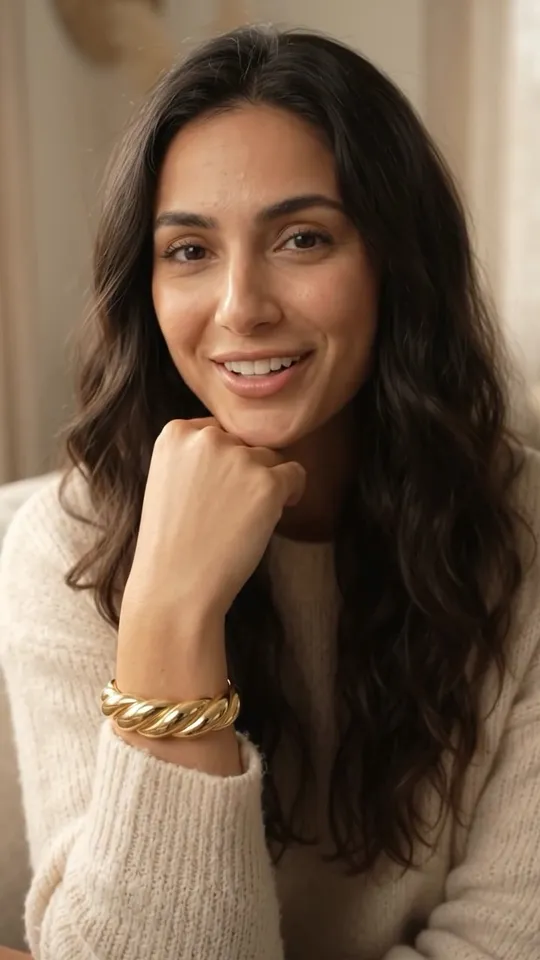
Sitting on the sofa, she pushes her knit sleeve back to reveal the gold cuff snug at her wrist, turns her wrist so light rolls across the twist, then rests her chin on her hand and smiles. Soft room sound throughout. Voice: female, warm, as she smiles. Says: 'It's even better on.' No on-screen text.
Hands pass the small box across a candlelit table; a quiet gasp on opening. Voice: none — ambient.
Extreme close-up traveling across the pavé setting, each stone flaring in turn. Ambient only.
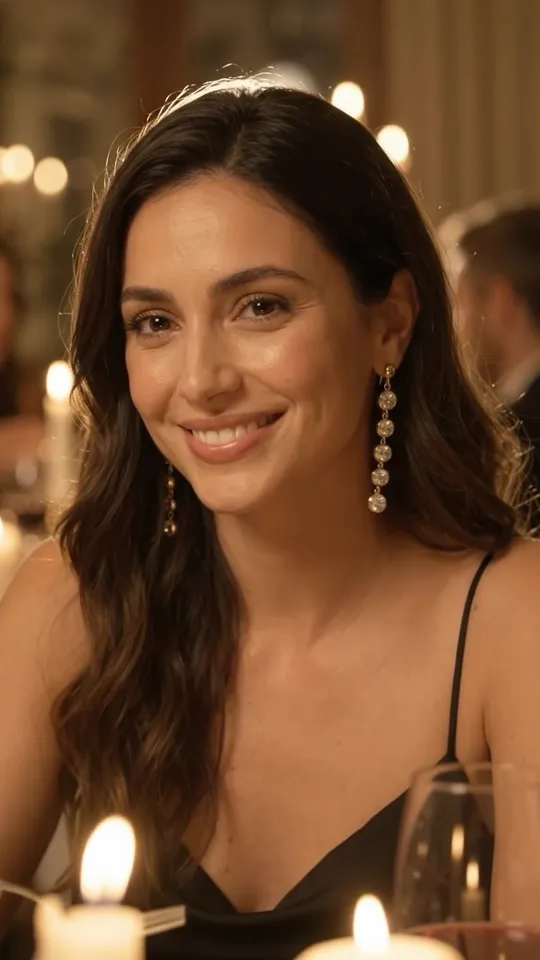
At a candlelit dinner party, a friend leans in and asks: 'Wait — where is this from?' She touches the earring and smiles. Voice: female, casual, as she smiles. Says: 'Everyone asks.' Soft dinner-party sound throughout. No on-screen text.
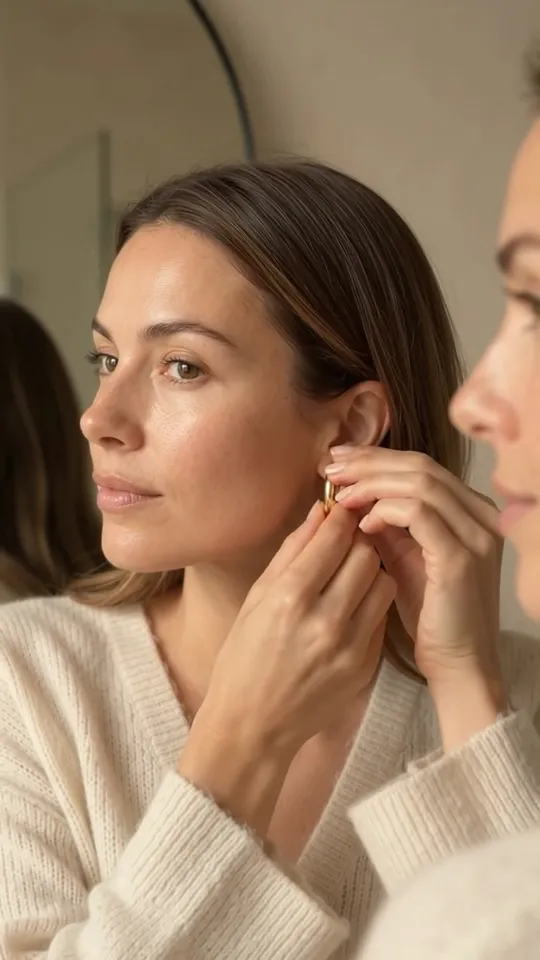
Morning routine: earrings in at the mirror, coffee in hand, out the door. Voice: female, effortless, mid-clip. Says: 'For every day that deserves better.' Soft morning sound throughout. No on-screen text.
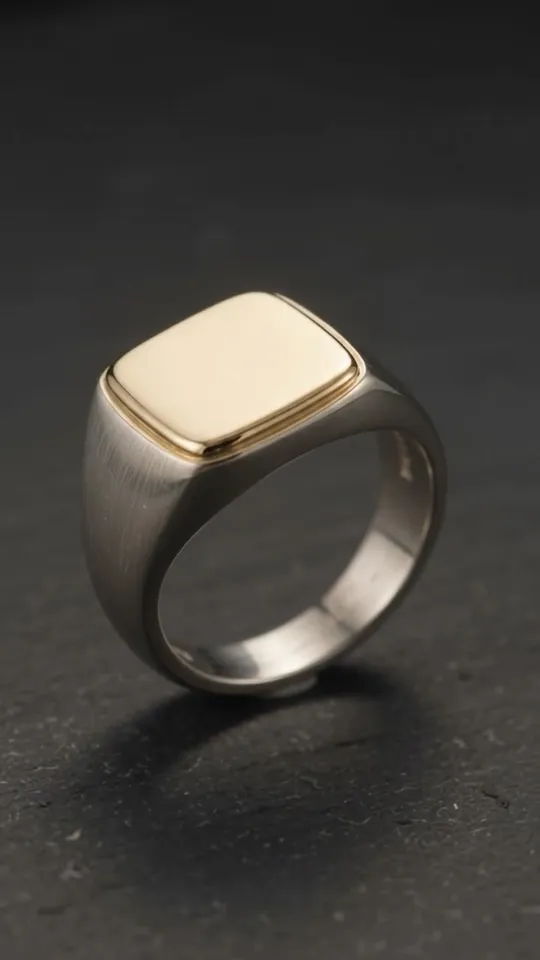
Slow pan across the polished gold face and the brushed silver band. Voice: male, quiet, mid-clip. Says: 'Two metals. One piece.' Soft ambient tone throughout. No on-screen text.
Scenario pairings (from v4v's jewelry library)
- Unboxing prompts → First Wear / Gift Moment scenarios only
- Luxury detail prompts → TV-spot / hyper-motion formats, ambient audio, no influencer reactions
- Compliment/ownership prompts → UGC/review formats, never unboxing
Always pin the product: exact metal, exact stones — v4v's preservation rules enforce it, your prompt should agree with it.
Run any of these on your product
- Copy a promptPick one above, or combine two. Keep the product words exact.
- Add your productPaste your product page URL in v4v Studio. It imports your photos and copy.
- Generate and publishPreview the clip, then use it on your product page, in ads or in Reels.
Start in Studio
From $7 · no subscription · credits never expire. On Shopify? Install the v4v app: three videos free on install.
FAQs
What makes a good jewellery video prompt?
Name the exact metal and stones, give the camera one motion, say where the light comes from, and decide the audio. In jewelry, light does the selling, so a prompt that pins the material ("hammered gold", "pavé setting") beats one that describes a mood.
How long should a jewelry video be?
Up to 10 seconds, which is what v4v Studio makes: enough for one reveal or one light sweep. That length fits a product-page gallery and a Reel without trimming.
Which format fits which prompt?
Detail prompts (light sweep, macro stones) suit Hyper Motion or TV-spot formats with ambient audio. Box and gift prompts suit Unboxing. Compliment and everyday prompts suit UGC or review formats, never unboxing.
Can I use these prompts in Kling, Veo or other video models?
Yes. They're plain-language prompts, so they work as a starting point in any text- or image-to-video model, though results vary by model. In v4v, run them on a specific model such as Kling, Veo, Seedance or Wan in the Lab, which gives direct access to each model. To keep your actual product in the shot, start from your product photos rather than text alone.
Prompts checked September 26, 2026. Example videos were made in v4v Studio; each caption names the format that made it.