AI video ad models explained: Seedance, Kling, Veo & Wan (2026)
The beginner's map of v4v's model stack: what Seedance 2.0, Kling 3.0, Veo 3.1 and Wan 2.7 each do best, what they cost, and which to pick for a given ad job.
Read articleKnow your engines
Guides and comparisons for the video, image, avatar, translation, and music models available across the v4v workspace.
17 models in the library
 Start here
AI video ad models explained: Seedance, Kling, Veo & Wan (2026)
Read the guide →
Start here
AI video ad models explained: Seedance, Kling, Veo & Wan (2026)
Read the guide →
The beginner's map of v4v's model stack: what Seedance 2.0, Kling 3.0, Veo 3.1 and Wan 2.7 each do best, what they cost, and which to pick for a given ad job.
Read article
Gemini Omni vs Seedance 2.0: the stack's new cheapest model (realistic worlds, consistent avatars, 4K) vs the product-forward volume default — an honest re-sort of the testing tier.
Read article
Gemini Omni vs Veo 3.1: both render believable real worlds — one at ~$1.58 per 10 seconds at 720p, one at the stack's premium ceiling. When cheap realism is enough and when it isn't.
Read article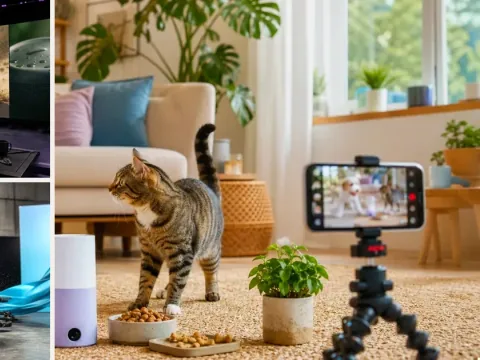
Gemini Omni in v4v's Lab: text- and image-to-video with real-world realism, consistent avatars, 4–10s clips at up to 4K — ~$1.58 per 10-second clip at 720p, rendered in ~2 minutes.
Read article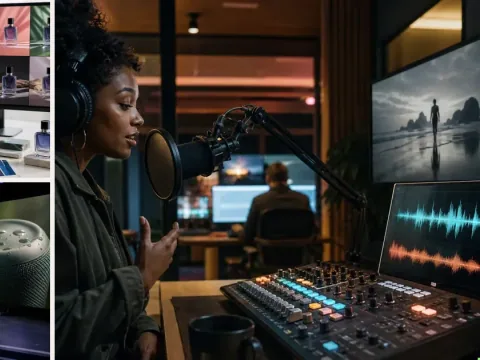
The image-model shootout: GPT-image-2 generates and recomposes; Nano-banana 2 edits with preservation. Which to use at each step of ad production.
Read article
GPT-image-2 generates the product images your video ads start from — right angles, clean composition, 9:16-ready — cheaper than a reshoot and faster than fixing PDP crops.
Read article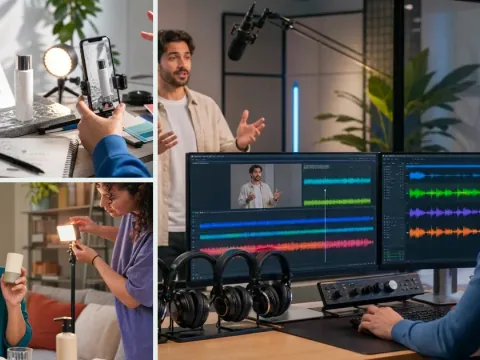
HeyGen v2 inside v4v translates a finished product ad into 175+ languages with corrected lip sync — the workflow, the review checklist, and what five localized ads actually cost.
Read article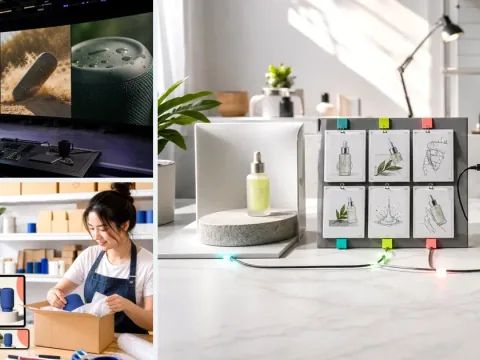
Kling 3.0 vs Veo 3.1 for premium product creative: material fidelity and motion control vs cinematic scene realism — which premium tier fits which shot.
Read article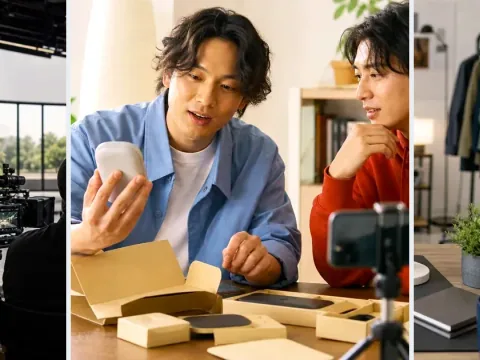
Kling 3.0 is the motion-fidelity tier in v4v's stack: liquid pours, fabric, reflective surfaces, image-to-video, and motion copy. When it beats Seedance, and what it costs.
Read article
Kling AI Avatar explained: the lip-sync layer behind v4v's talking-head formats — how it works with scripts, voices and translation, plus QA rules.
Read article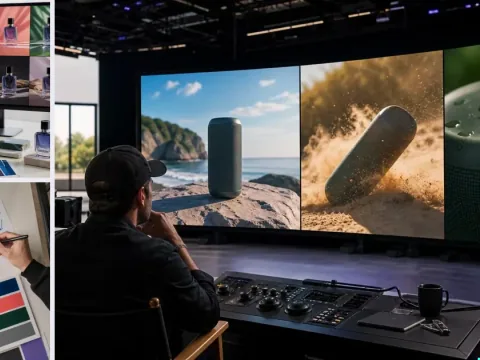
Nano-banana 2 handles targeted image edits in v4v — backgrounds, cleanup, composition fixes on product shots — feeding straight into the ecommerce pipeline. Costs and prompt patterns.
Read article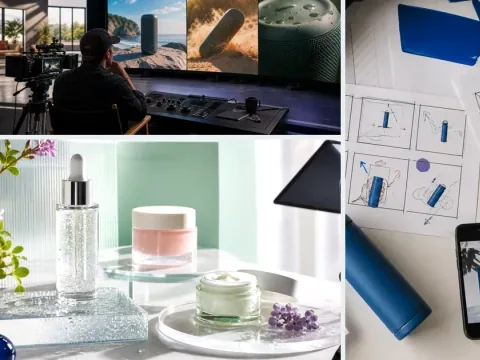
Seedance 2.0 vs Kling 3.0 for product ads: the volume-testing default vs the motion/materials specialist — costs, jobs, and the workflow that uses both.
Read article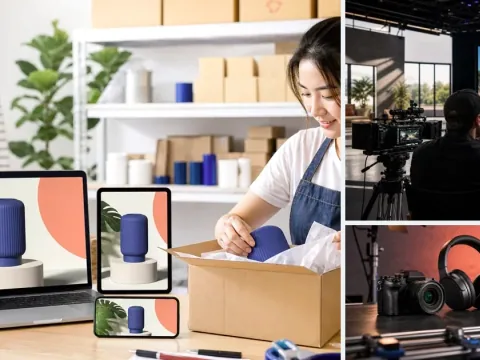
Seedance 2.0 for product-forward video in Lab: reference images, motion, prompts and settings. Check the live credit estimate before each run.
Read article
Seedance, Kling and Veo for product ads: compare motion, material detail and cinematic control, then check Lab estimates for the same settings.
Read article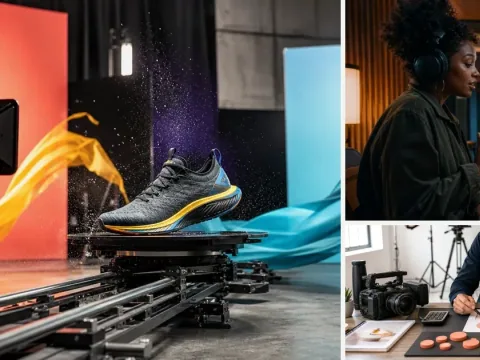
Suno generates ad-specific music inside v4v — tracks built for the product, pacing and cut point, not a stock loop. Prompt patterns that work for 8–15 second vertical ads.
Read article
Veo 3.1 is the premium tier in v4v's model stack: photorealistic lighting, natural depth, lifestyle scenes. When to spend the credits — and when Seedance does the job for a fraction.
Read article
Wan 2.7 handles image-to-video animation and stylized motion in v4v — short clean clips that work as modular ad segments. Strengths, prompt patterns, and credit costs.
Read articleThe Lab catalog includes Seedance, Kling, Veo, Wan, and MiniMax video tools, along with image generation and editing, music, voice, avatar, and translation tools. Availability and settings vary by tool; the live Lab catalog is the place to check before a generation.
Sources: Current Lab catalog
Text-to-video starts from a written prompt. Image-to-video starts from a reference image plus instructions for motion. Use image references when product appearance matters, and review the output for changes to logos, shapes, and materials.
Google DeepMind describes Veo 3.1 as supporting native audio, including sound effects, ambience, and dialogue. In v4v.ai, inspect the selected tool's audio options and credit estimate; provider capabilities do not mean every mode exposes the same settings.
Sources: Google DeepMind Veo 3.1
Test the same brief and references across candidate models. Evaluate product fidelity, prompt adherence, motion, audio, resolution, and the credit cost of usable outputs. Published benchmarks describe their own test conditions and do not establish a universal winner for every product video.
Yes. Select another compatible tool in AI Lab or configure another generation node in Workflows. Model-specific inputs, durations, aspect ratios, and pricing still apply.
More questions? Read the product FAQ or contact support.
From reading to rendering